
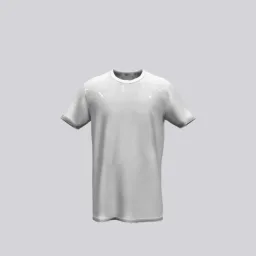
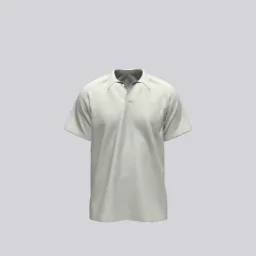
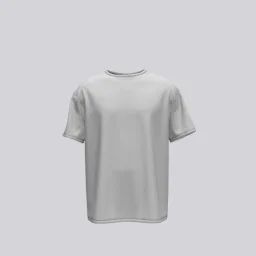
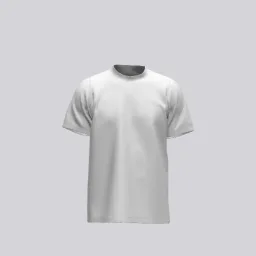
T-shirt designers
Check placement, scale, color, and viewing angle before sharing a concept.
Your designs deserve to exist. See them come to life in stunning 3D mockups, ready to share with clients or print.
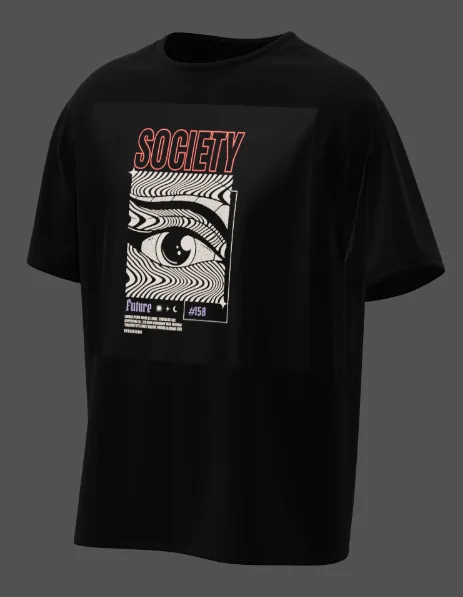 Example
 How it works
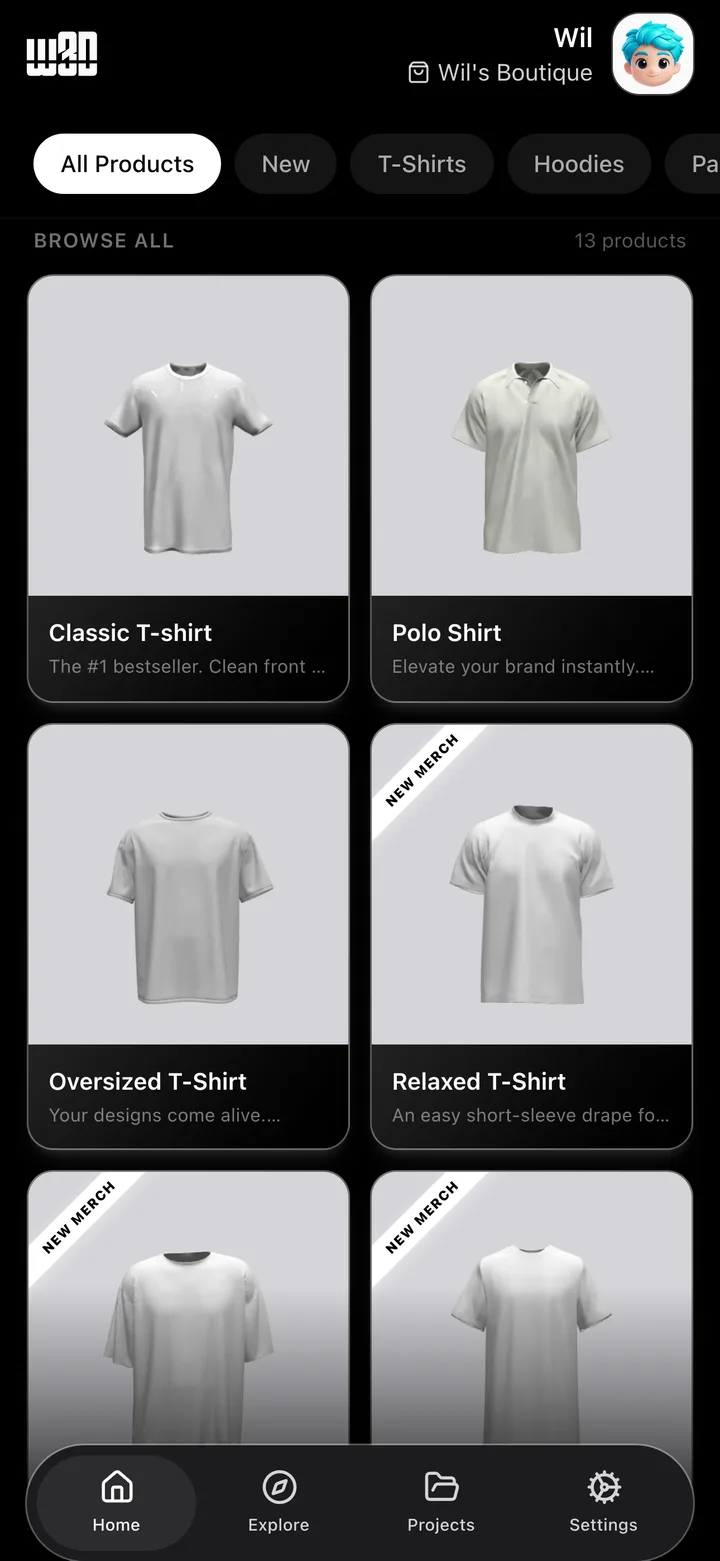
Start with a T-shirt, hoodie, cap, pants, polo shirt, or another garment from the mobile catalog.
Upload a logo or graphic, then move, scale, rotate, and check its placement from different angles.
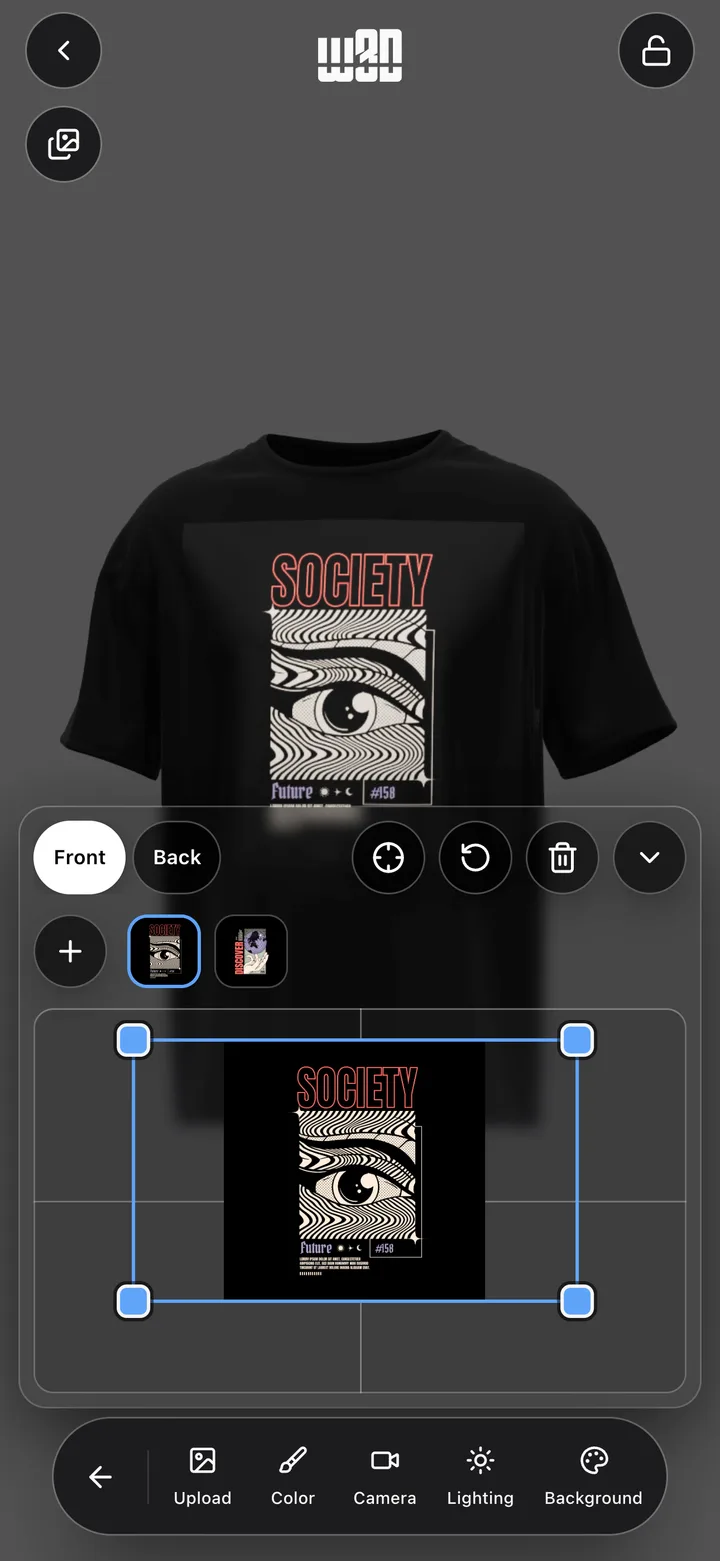
Adjust garment color, camera, lighting, and background to present the design clearly.
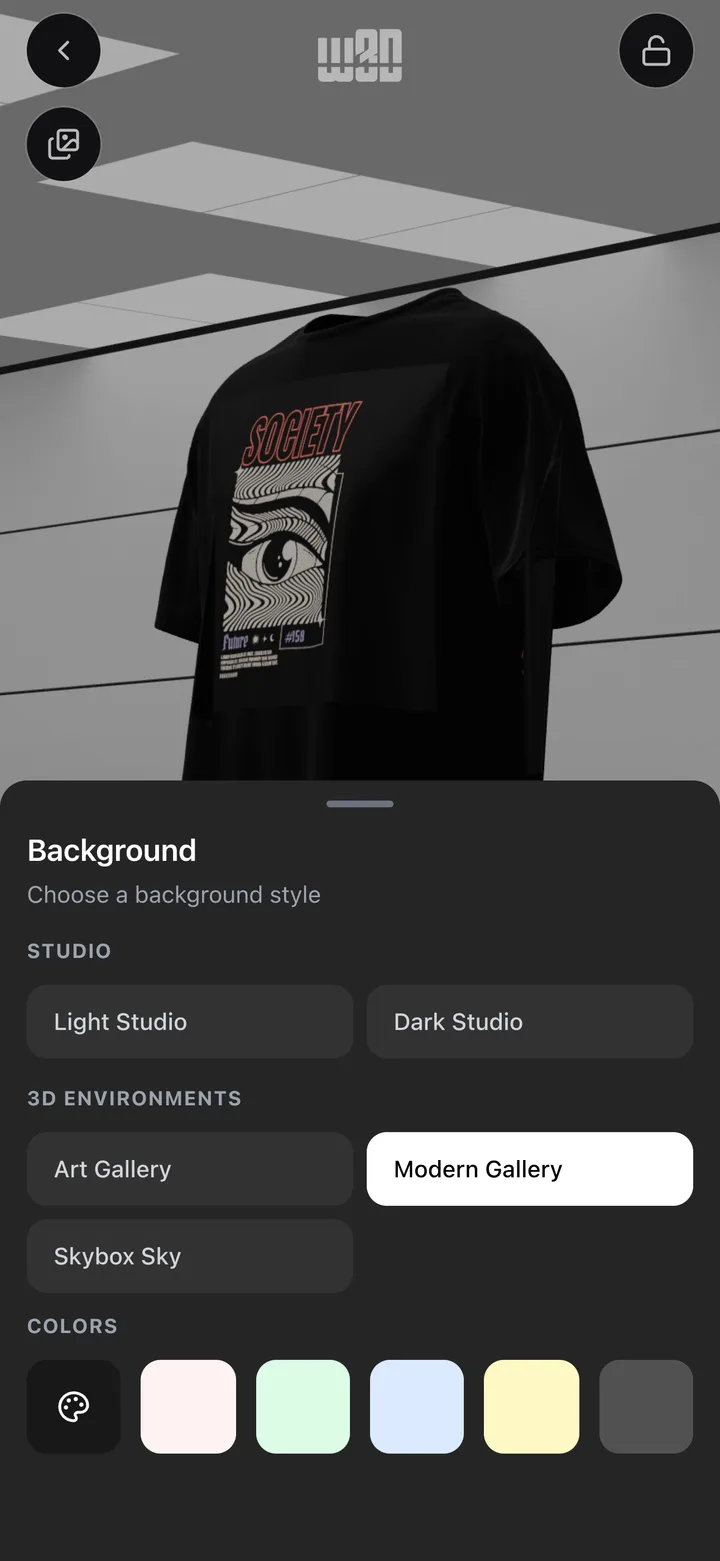
Create a polished image or preview to review, share, or prepare for your next production step.


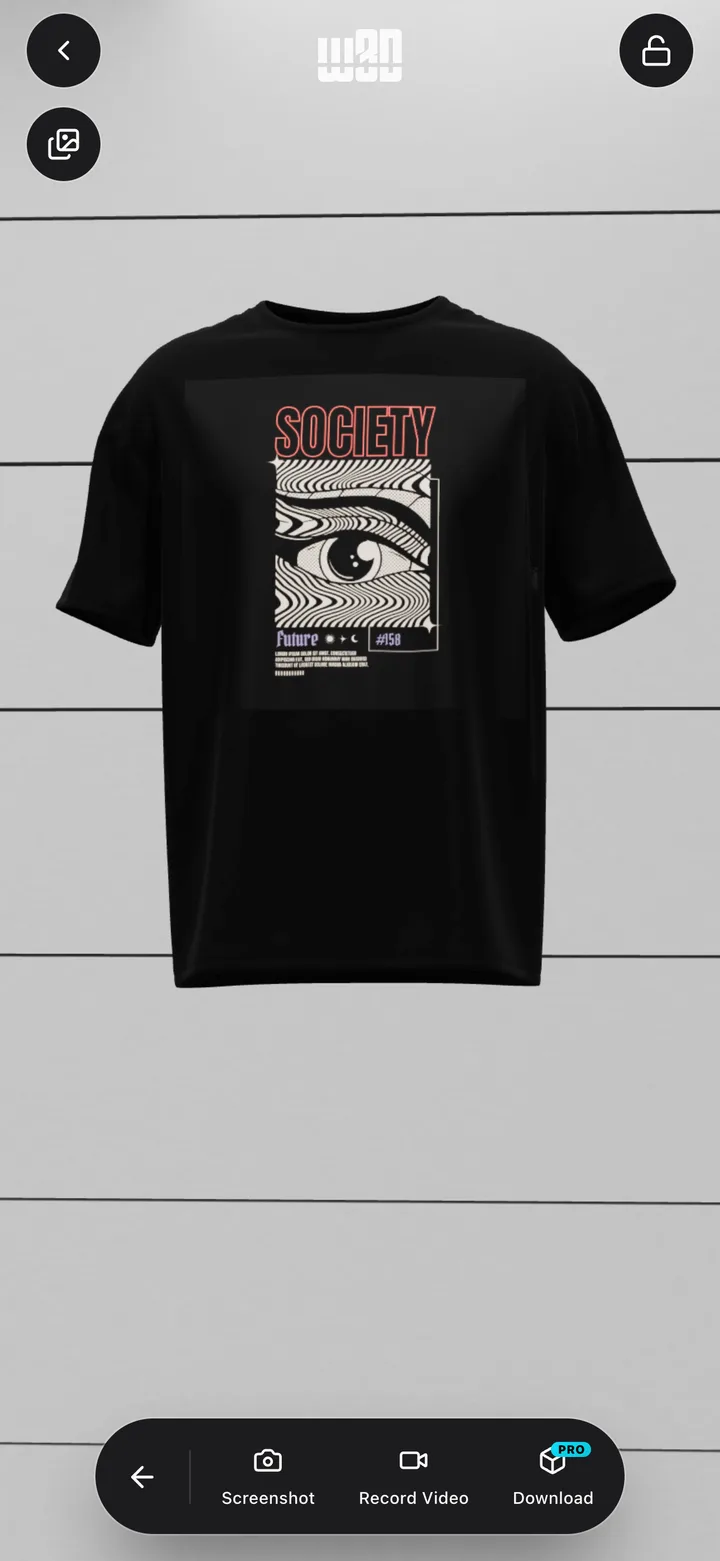
Use w3D when a flat graphic is not enough to judge placement, color, or viewing angle.
Check placement, scale, color, and viewing angle before sharing a concept.
Build a consistent set of garment visuals for a collection review.
Turn a flat graphic into a 3D clothing presentation on your phone or tablet.
Learn the task first, then use w3D where a 3D garment view makes the work clearer.
Choose a garment, place the artwork, set the scene, and export a clear 3D T-shirt mockup.
Read guidePrepare, position, scale, and rotate artwork so it reads clearly on a 3D T-shirt.
Read guideUse a focused iPhone or iPad workflow instead of opening a full desktop design application.
Read guideBuild a consistent mockup set for reviewing a clothing collection or presenting a brand direction.
Read guidePlace artwork on a 3D hoodie while accounting for the pocket, hood, seams, folds, and garment color.
Read guideUse an iPhone or iPad to choose clothing, place artwork, review the 3D result, and export a visual.
Read guideClear answers about the current mobile app and the browser preview.
A 3D T-shirt designer lets you place artwork on a digital garment and inspect the result from different angles. w3D adds touch controls for placement, color, camera, lighting, and background.
Yes. In the w3D mobile app you can upload artwork, place it on a garment, then move, scale, and rotate it.
Yes. The color control lets you compare garment colors while keeping your artwork in place.
Yes. The mobile catalog includes T-shirts, hoodies, caps, pants, polo shirts, and other clothing models.
The current App Store listing says the mobile editor works offline after installation. Some downloads or store actions may still require a connection.
Not yet. There is no verified Google Play listing, so the current download is for iPhone and iPad.
Yes. w3D can export or share images and previews from the mobile editor.
No. w3D is a visual design and presentation tool. Confirm print dimensions, garment construction, and production requirements with your manufacturer.
Choose a garment, place your artwork, and inspect the mockup on iPhone or iPad.